bd234 Register: Open an Account Step by Step
The form below is the whole registration. One phone number, one password, one tick on the terms box.
The bd234 register form asks for a phone number and a password. No email, no card details, no documents at this stage. If that number already runs your bKash or Nagad wallet, keep it the same one, because it becomes your deposit account later.
- A Bangladeshi mobile number that can take an SMS in the next minute.
- A password you have not used on any other site.
- The referral code, if someone sent you one. It is optional and the form works without it.
Already registered? Go to the bd234 login page instead. Doing this on a phone? The bd234 app carries the same form.
18+ Play Responsibly
What the bd234 register form asks for
Five fields, four of them required. Read this table once before typing, because the two things people get wrong most often are the number format and the second password box. The table explains what each field wants and why the site asks for it at all.
| Field | What to enter | Why it matters |
|---|---|---|
| Mobile number | An active Bangladeshi number, written as 11 digits beginning with 01. | It becomes your login name, and the one-time code arrives there by SMS. |
| Password | Letters plus numbers, different from what you use on other sites. | You type it at every login. Support will never ask you for it in chat. |
| Confirm password | The same password a second time. | Catches a typo before the account exists, which saves a recovery later. |
| Referral code | Optional. Copy it exactly, in capitals if it is written in capitals. | Links your new account to whoever shared the code. An empty box is fine. |
| Terms box | A single tick. | Confirms you are 18 or older and accept the terms and privacy policy. |
Right after the form: first deposit and KYC
Nothing else is needed to create the account, but two things follow quickly: a deposit and an identity check. You can play before the check, and the check only becomes compulsory when you ask for money out. The timings below are the ones the site publishes, in BDT and Bangladesh time.
| Step | Amount or document | What to expect |
|---|---|---|
| Minimum deposit | ৳400 | Paid by bKash, Nagad, Rocket, Upay or bank transfer. Most top-ups land within 5 minutes. |
| Identity check | NID card, passport or driving licence | Asked before your first withdrawal. Review takes about 2 hours. |
| First withdrawal | ৳1,400 to ৳25,000 a day | Processing runs around 17 minutes once the account is verified. |
| Bonus opt-in | Before you send the deposit | Skip it and the deposit still counts, but no bonus is attached to it. |
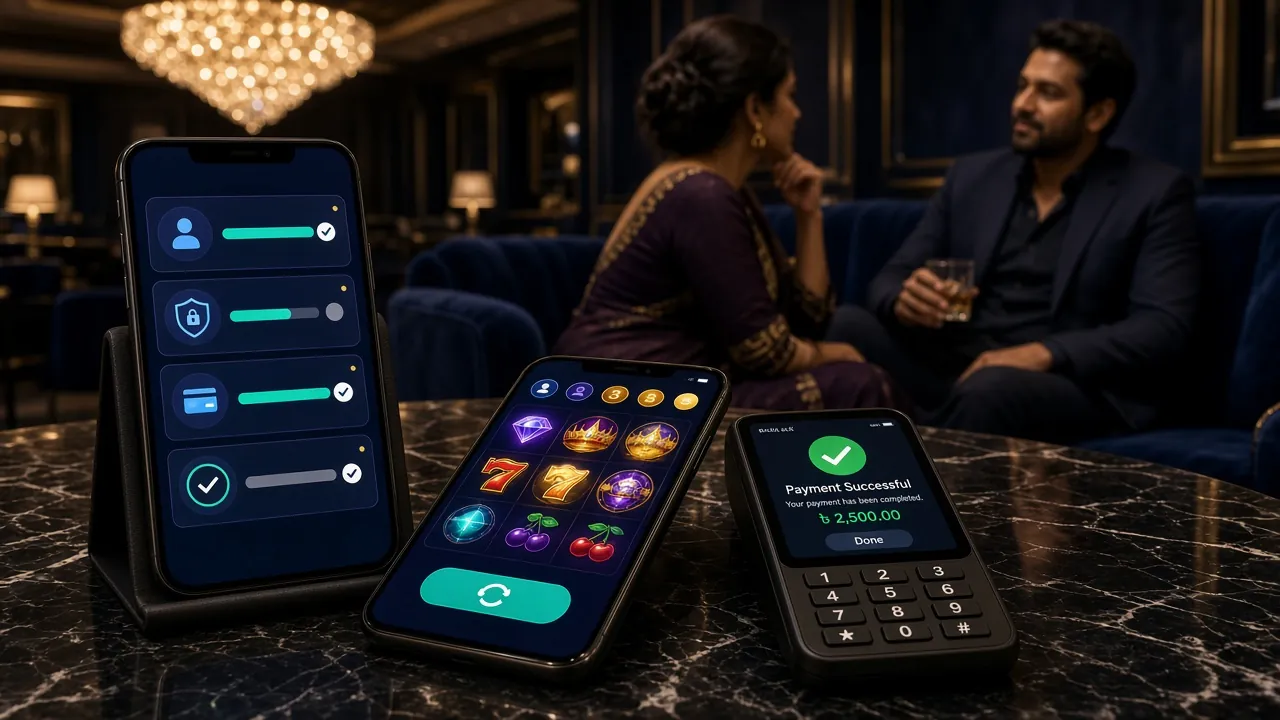
Four steps from the form to your first bet
Registration is step one. These four lines cover the rest of the opening session, including the parts people usually have to search for.
-
1
Fill in the form
Type your mobile number with no spaces, choose a password, retype it and tick the terms box. Add a referral code only if you have one. Press Register Now once and wait for the page to move, even on a slow connection.
-
2
Confirm the SMS code
The one-time code usually arrives inside a minute. Type it into the box on the next screen. If nothing comes, request a fresh code once rather than reusing the old one, and check that your message inbox is not full.
-
3
Send the first deposit
Open the cashier, pick bKash, Nagad, Rocket, Upay or bank transfer, and send at least ৳400. Claim the welcome bonus before the money leaves your wallet, then confirm the payment from the wallet app as usual.
-
4
Play, then verify to withdraw
Open a game from the casino lobby or a match from the sports list. Upload your NID, passport or driving licence when you first request a withdrawal. Review takes about 2 hours, then payment about 17 minutes.
When the form will not go through
Almost every failed signup comes down to five things. Read this table before you open live chat, because each row has a fix you can finish yourself in under a minute on the same screen.
| What you see | Why it happens | What to do |
|---|---|---|
| Number rejected | A space, a dash, or 88 written before the 01. | Clear the field and type the 11 digits with no punctuation and no country code. |
| No SMS code | Full inbox, weak signal, or the number is on a do-not-disturb list. | Wait a full minute, restart the phone, then request one new code. Ask live chat if it still fails. |
| Passwords do not match | The keyboard added a capital letter or a trailing space. | Delete both password boxes, switch off autocorrect and type them again slowly. |
| Referral code refused | The code belongs to another brand, or it has expired. | Erase the field and submit. It is optional, so the form still goes through without it. |
| Number already registered | You signed up earlier, or a family member used the same SIM. | Recover the password on the bd234 login page. Do not open a second account. |
If all five rows fail, keep a screenshot of the error, note the time, and contact 24/7 live chat. Do not send your password to anyone, and do not create a second account with a different number to get around the block.
Doubts that stop people at the form
Can I register without an email address?
What should I do if I forget the password?
Can I sign up inside the bd234 app instead?
Is one account per person really enforced?
Do I have to deposit straight after registering?
Which number should I give, bKash or my main one?
Where to go after you press register
Three pages cover everything that comes next, and each one is shorter than this one.